Training Features
✔ Live online classes ✔ Real enterprise projects ✔ Hands-on development ✔ Interview preparation ✔ Career guidance ✔ Cloud deployment training- Course Duration: 60 hours
- Class Duration: 2 hours
- Class Time: 8pm to 10pm (Every day)
- Class Mode : Online via Google Meet using Laptop/PC
- Class Style: Project-based hands-on training (Student will do with teacher)
- Language: English
- Certificate: Course Completion Certificate (based on project copletion)
About the Trainer
Ashim Kumar Sikder | Oracle Certified Professional
Ashim has trained more than 2000 students in Oracle APEX development. He has an industry expert with more than 22 years of IT experience and 15+ years in Oracle APEX development.
Key expertise includes:
This training focuses on real-world application development including ERP systems, dashboards, workflow automation and SaaS applications.
✔ Oracle APEX 4.2 – 24.x ✔ Oracle Cloud Infrastructure (OCI) ✔ ERP System Design and Implementation ✔ REST API Integration ✔ SaaS Application Development ✔ Performance tuning and optimization ✔ Role based security and authentication ✔ Real time system integration
Industry experience includes:
✔ Enterprise ERP systems ✔ Healthcare systems ✔ Government information systems ✔ E-commerce platforms ✔ HRMS and CRM systems
Ashim Kumar has worked with organizations including
✔ Hindalco (Aditya Birla Group) ✔ UNDP ✔ UNFPA ✔ IOM ✔ International clients from Canada
This training focuses on real-world ERP projects, not just theory.
✔ Build real enterprise applications
✔ Learn Oracle APEX 24.x from scratch to advanced
✔ Hands-on development with real projects
✔ Learn deployment on Oracle Cloud Infrastructure (OCI)
✔ Integration with REST APIs, external systems, and AI tools
Why Choose This Training
Real Project Development
Build enterprise applications including ERP, HRMS and dashboards, Mobile App Development
Expert Trainer
Training by Ashim Kumar Sikder with 22+ years of IT experience. More than 100 Apps develping experience. Provide more than 2000+ students
Hands-on Practice
Every module includes practical coding and exercises.
Cloud Deployment
Learn to deploy applications on Oracle Cloud Infrastructure.
Course Outcomes
After completing this course students will be able to:✔ Build complete enterprise applications
✔ Develop dashboards and reports
✔ Integrate external systems
✔ Deploy applications on cloud
✔ Design SaaS applications
Projects
After completing this course students will be able to:- Employee Management
- Inventory System
- Sales & eCommerce Website
- Approval Workflow
- Dashboard Analytics
Technologies Covered
- Oracle APEX 24.x
- Oracle Database
- SQL
- PL/SQL
- JavaScript
- jQuery
- HTML / CSS
- REST APIs
- JSON
- Oracle Cloud Infrastructure (OCI)
Who Should Join
This course is suitable for:- Software developers
- Database developers
- Oracle Forms developers
- IT professionals
- Students interested in enterprise development
- Freelancers who want to build SaaS products
Course Curriculum
Course Blueprint (60 Hours Total)
- Beginner (Hours 1–18): Core architecture, database foundations, and basic UI.
- Intermediate (Hours 19–38): Editable grids, page lifecycle logic, dynamic actions, and security.
- Advanced (Hours 39–60): REST APIs, JavaScript/CSS extensions, APEX Workflows, Generative AI integration, and DevOps.
Part 1: Beginner Level (Hours 1–18)
Module 1: Architecture & Environment Setup (3 Hours)
- Low-Code Fundamentals: Core concepts of metadata-driven rapid application development.
- Architecture Deep-Dive: How the browser, ORDS (Oracle REST Data Services), and Database interact.
- Workspace Management: Navigating the administration dashboard, managing users, and mapping schemas.
- Cloud vs. Local: Working inside Oracle Cloud Infrastructure (OCI) Free Tier vs. On-Premises database instances.
Module 2: Database Foundations via SQL Workshop (5 Hours)
- Object Browser: Visually creating tables, views, primary/foreign keys, and indexes.
- SQL Commands & Scripts: Writing queries, executing batch scripts, and analyzing sample data.
- Quick SQL: Rapidly generating relational database schemas using markdown shorthand coding.
- Data Utilities: Uploading, parsing, formatting, and migrating raw data from CSV, JSON, and Excel.
Module 3: App Builder Core & Layout Navigation (5 Hours)
- App Creation Wizards: Generating applications from scratch vs. importing predefined file data.
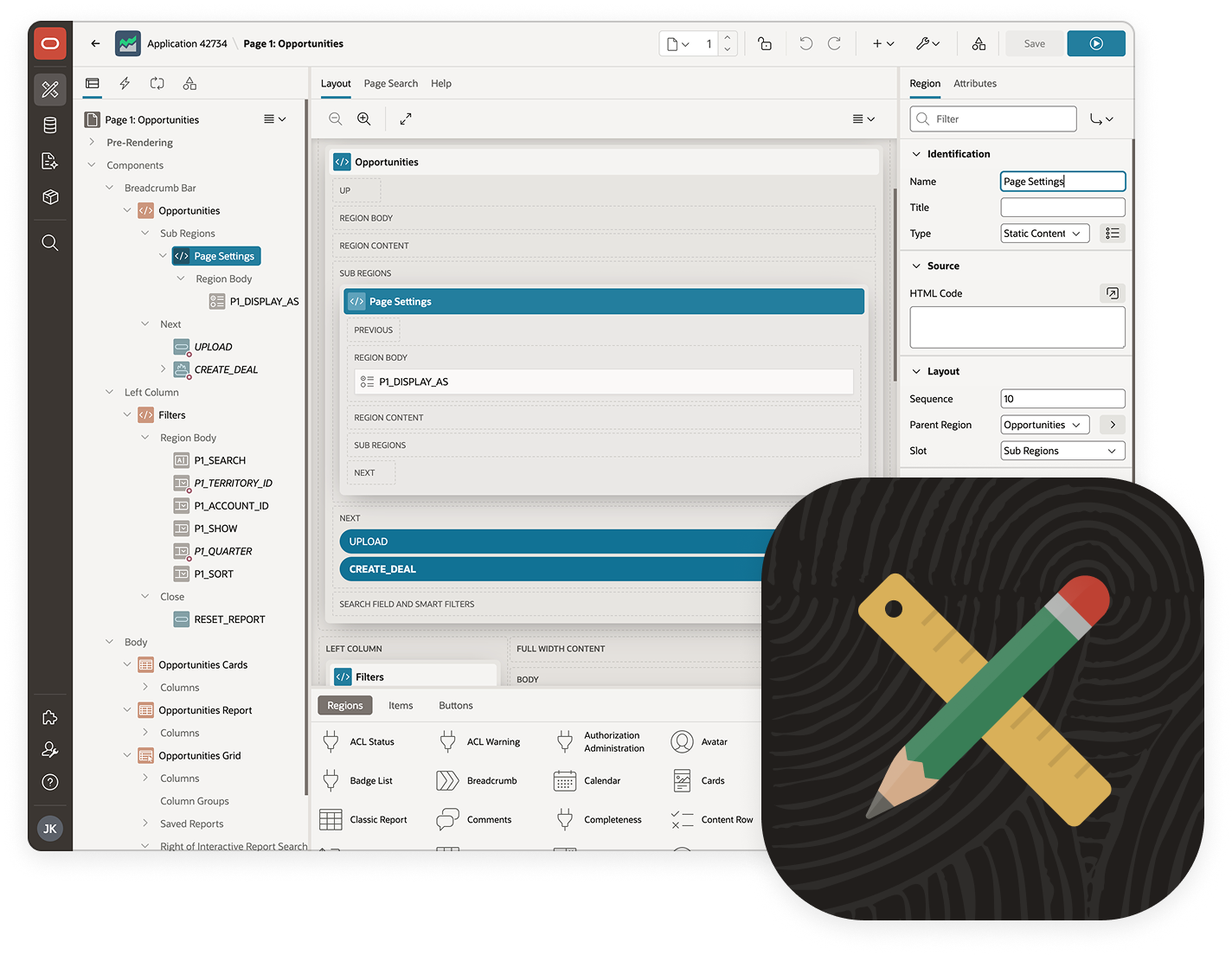
- Page Designer IDE: Mastering the 3-pane interface (Left Tree, Central Grid, Right Property Editor).
- Grid Layout System: Managing responsive rows, responsive columns, and parent-child region hierarchies.
- Navigation Architecture: Setting up global navigation bars, side-menus, breadcrumbs, and custom lists.
Module 4: Foundational Data UI Components (5 Hours)
- Classic Reports: Writing basic SQL queries to show static tables and custom responsive cards.
- Interactive Reports: Setting up user-driven filtering, sorting, group-by functions, and control breaks.
- Form Regions: Building single-table data entry screens and basic modal popup dialog pages.
- Form Items: Configuring text items, textareas, standard select lists, checkboxes, and date pickers.
Part 2: Intermediate Level (Hours 19–38)
Module 5: Advanced Search & Data Mutation (5 Hours)
- Interactive Grids: Designing feature-rich, spreadsheet-like editable multi-row tabular layouts.
- Faceted Search: Structuring modern, Amazon-style search dashboards with dynamic count metrics.
- Smart Filters: Deploying single-token, natural language search bars for high-speed data discovery.
- Visual Data Regions: Embedding interactive monthly calendars and native Oracle JET data charts.
Module 6: Page Lifecycle, Processing, & Data Validation (5 Hours)
- Page Rendering vs. Processing: Demystifying the chronological order of how APEX loads a page.
- Computations: Assigning static, item-based, or PL/SQL-driven values to page variables automatically.
- Validations: Enforcing data integrity constraints (e.g., checking null values, custom regex, database PL/SQL checks).
- Processes: Executing custom PL/SQL code blocks or automated automatic DML rows upon form submission.
- Branching & Routing: Managing conditional logic to route users across different pages safely.
Module 7: Session State & Dynamic Actions (6 Hours)
- Session State Management: Understanding URL parameters, clearing cache, and item storage in memory.
- Dynamic Actions Intro: Creating client-side UI behaviors without writing raw JavaScript.
- Triggers & Frameworks: Configuring Events (Click, Change, Page Load), Selection Types, and Evaluation Conditions.
- Client Actions: Implementing interactive Hide/Show, Enable/Disable, Set Value, and partial page refreshes.
Module 8: Application Security & Universal Theme Styling (4 Hours)
- Authentication Schemes: Securing applications via built-in Application Express Accounts.
- Authorization Schemes: Constructing Role-Based Access Control (RBAC) across regions, items, or rows.
- Session State Protection: Encrypting application URLs via hashes to completely prevent link-tampering.
- Universal Theme & Theme Roller: Updating corporate branding colors, layouts, and typography fonts visually.
Part 3: Advanced Level (Hours 39–60)
Module 9: Web Services & External REST Integration (5 Hours)
- REST Data Sources: Consuming JSON-based third-party public web APIs and mapping them directly into reports.
- REST Synchronization: Mirroring remote REST API data local tables automatically on a scheduler.
- ORDS API Publishing: Creating custom RESTful modules, templates, and handlers (GET, POST) from your SQL/PL/SQL data.
Module 10: JavaScript, CSS, & Component Extensions (5 Hours)
- APEX JavaScript API: Manipulating page items via client-side scripts using apex.item() and apex.server.process.
- Dynamic Grid Customization: Writing advanced configuration code to alter editable grid properties.
- Custom CSS Injection: Using CSS variables and targeted template directives for pixel-perfect bespoke UI changes.
- Plug-ins: Sourcing, installing, and configuring community-made custom components to extend APEX.
Module 11: Enterprise Workflow & Native AI Features (6 Hours)
- APEX Workflow Engine: Mapping complex visual business approval pipelines directly in the App Builder.
- Workflow Tasks & Approvals: Designing user task lists, escalations, and automated system process branches.
- AI Assistant & Generative AI: Using the native editor AI to generate schemas and clean SQL from plain text prompts.
- Conversational AI Widgets: Integrating dynamic AI chatbot UI tools connected to external LLM services.
- AI Vector Search Concepts: Introducing semantic search capabilities leveraging Oracle Database native vector formats.
Module 12: Lifecycle Management, Deployment, & Testing (6 Hours)
- Performance Tuning: Reading debug logs, profiling slow PL/SQL queries, and optimizing SQL execution plans.
- Exporting & Importing: Packaging entire applications, structural component groups, and seed data scripts.
- DevOps Lifecycle (CI/CD): Utilizing SQLcl command line utilities for automated environment migrations.
- Team Development Tools: Managing active developer issue tracking, feedback loops, and multi-developer locking.
Sample Project Idea
- Basic HRMS
- Inventory
- Sales & eCommerce website
- Dashboard
- Social Sign in
- API integrations
Demo Applications
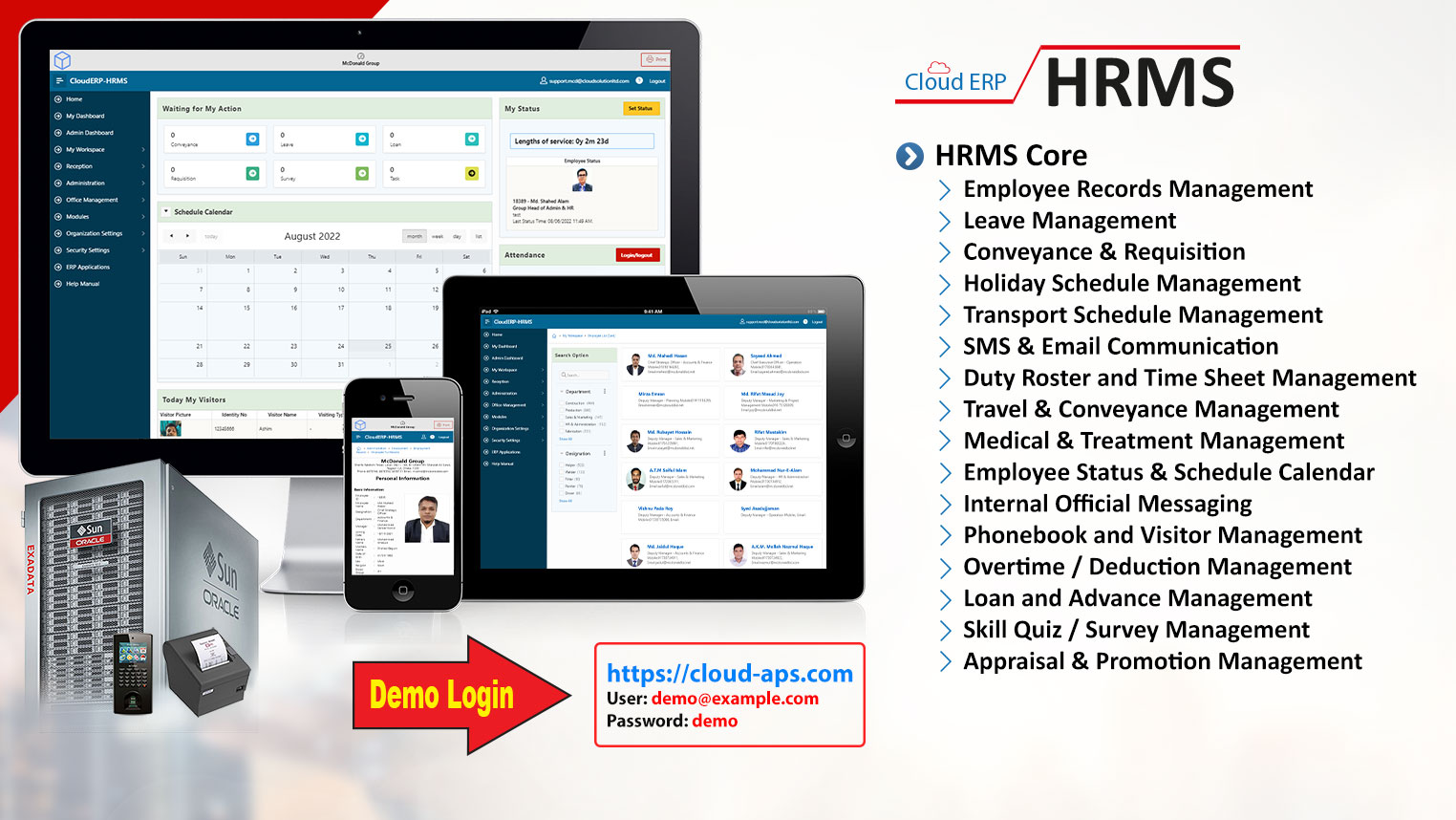
Students will explore real systems such as: Cloud ERP system demo:Live APEX application: Demo Link